Two cameras.
One shot.
CamCam fires your front and back cameras together, in one tap. The view, the reaction, and everything in between — saved as a single split-screen photo or video.

✦
✦
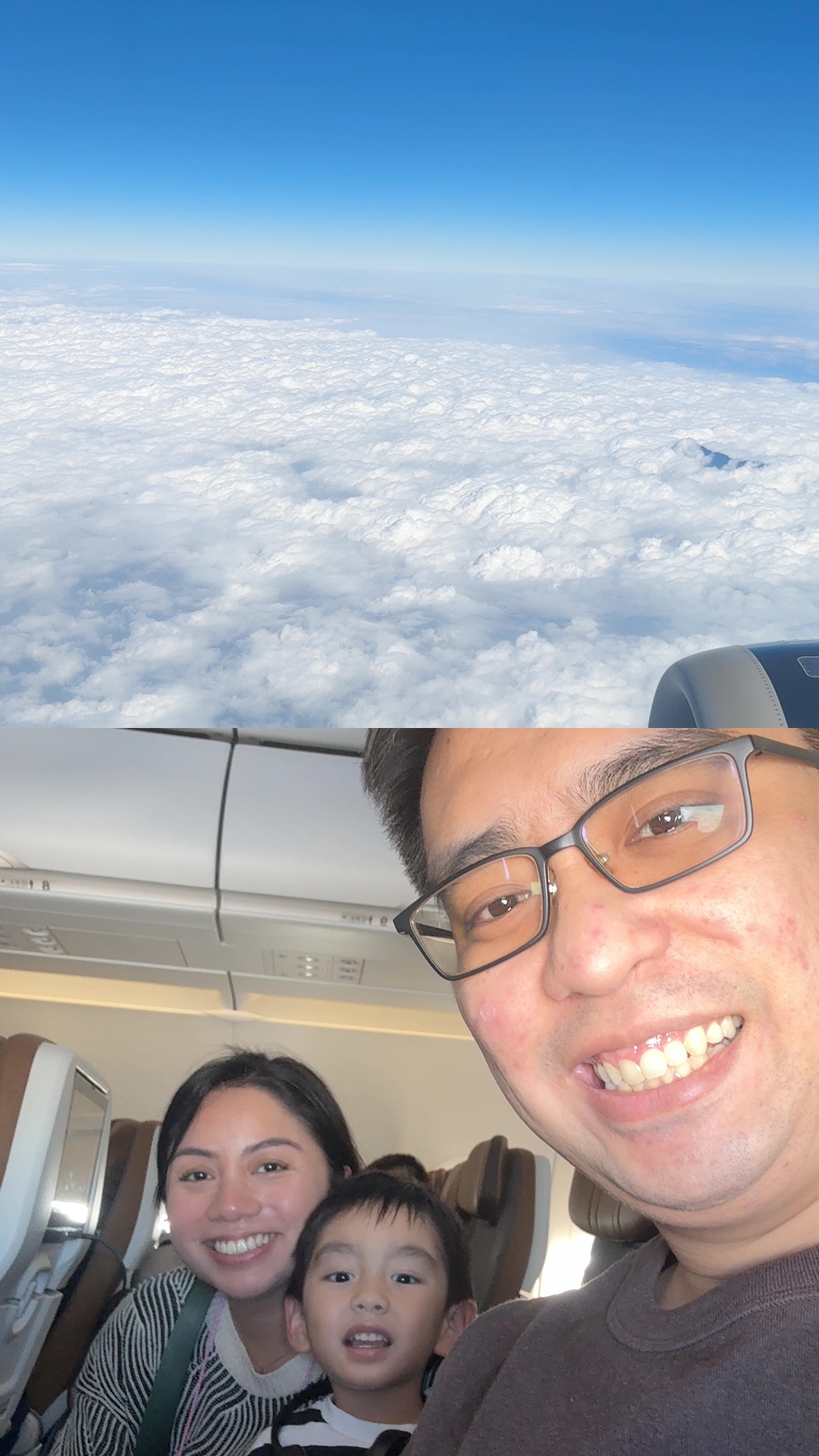
CamCam fires your front and back cameras together, in one tap. The view, the reaction, and everything in between — saved as a single split-screen photo or video.
Both cameras turn on automatically. See yourself and the scene in a clean split-screen viewfinder.
Tap to take a photo. Hold to record video. Front and back fire together — there's nothing to set up.
Every shot lands in a CamCam album in iOS Photos as one combined image — ready to share anywhere.
Real shots, taken with CamCam.
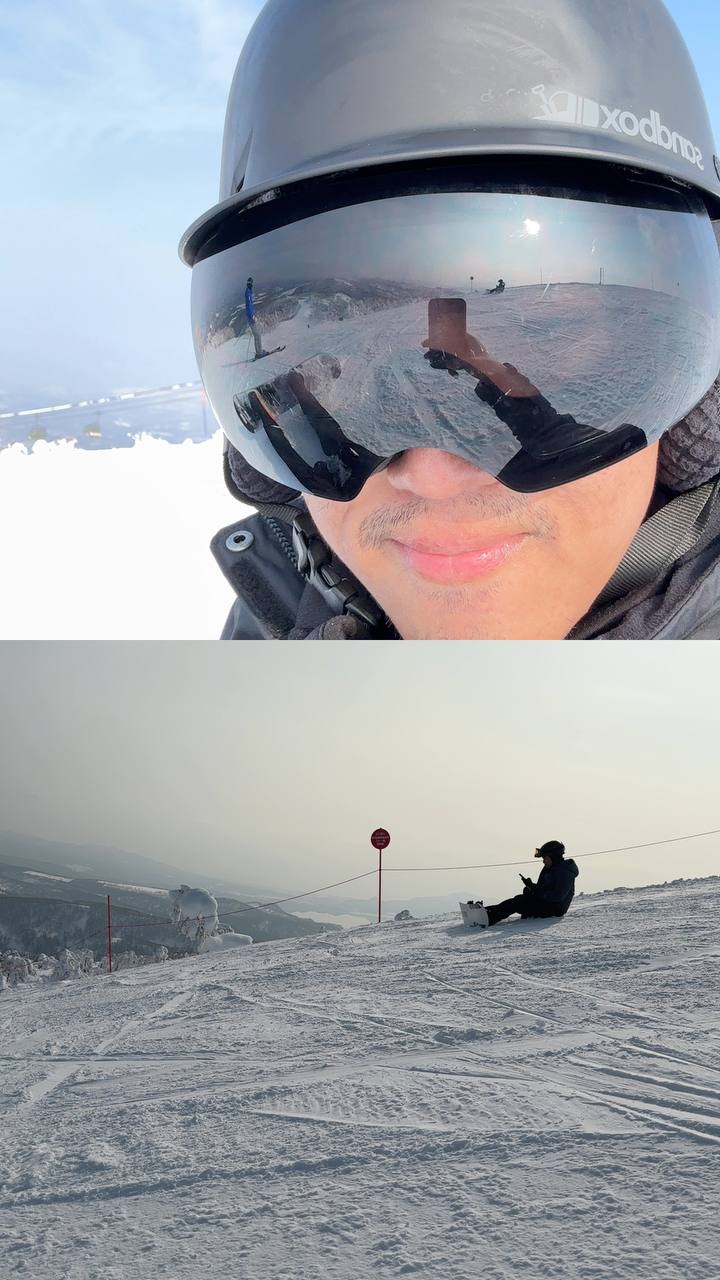

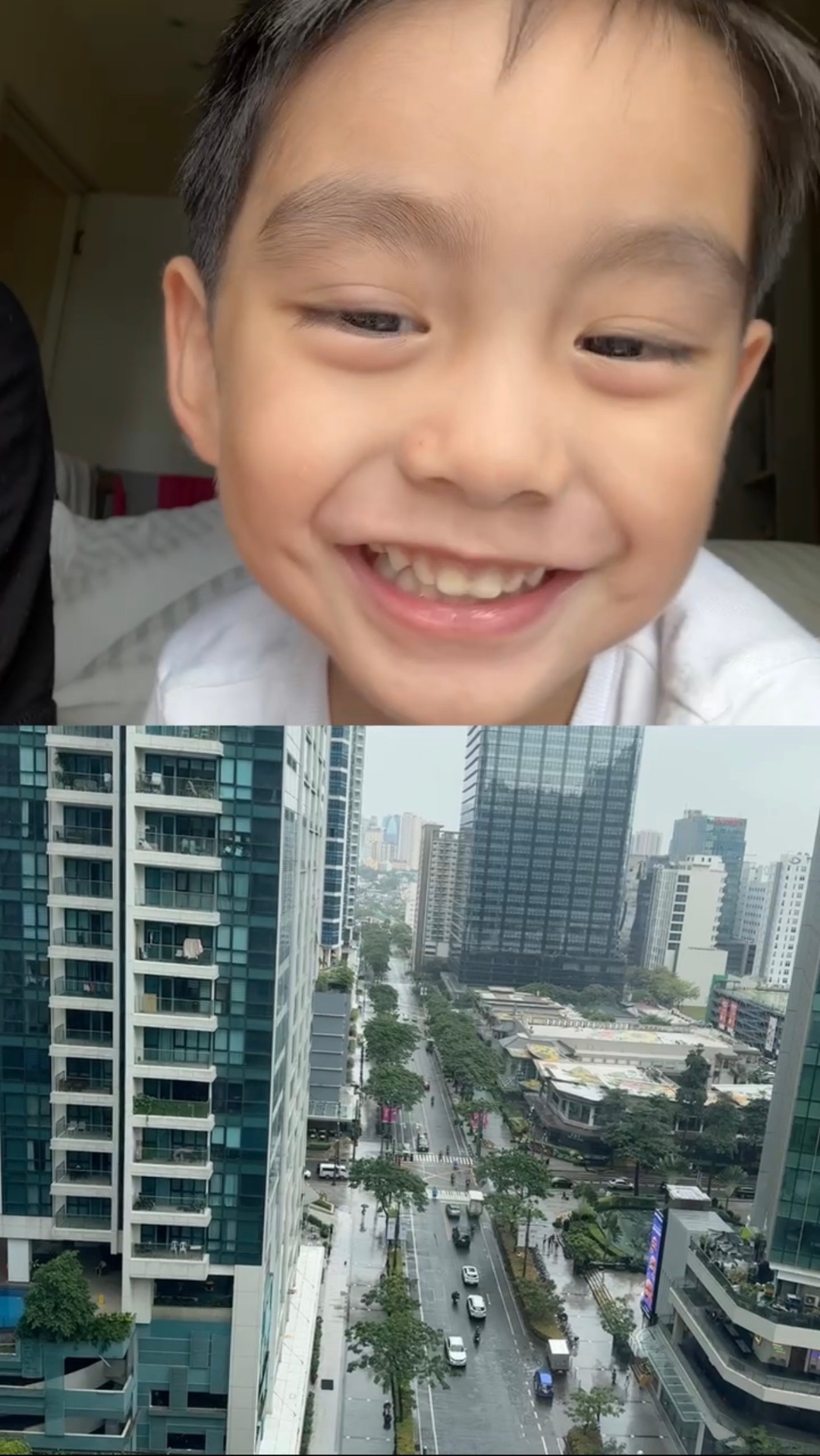
Photo on tap, video on hold. No menus, no modes to figure out.
Flip which camera sits on top with a single button. Recompose your shot in a second.
Record both sides with sound. Save as a single MP4, ready for anywhere.
Every shot lands in a dedicated CamCam album in iOS Photos. No cloud, no uploads.
No account. No tracking. Your camera roll stays yours.
Capture what matters without setup. Core shooting stays fast, focused, and easy to understand.